
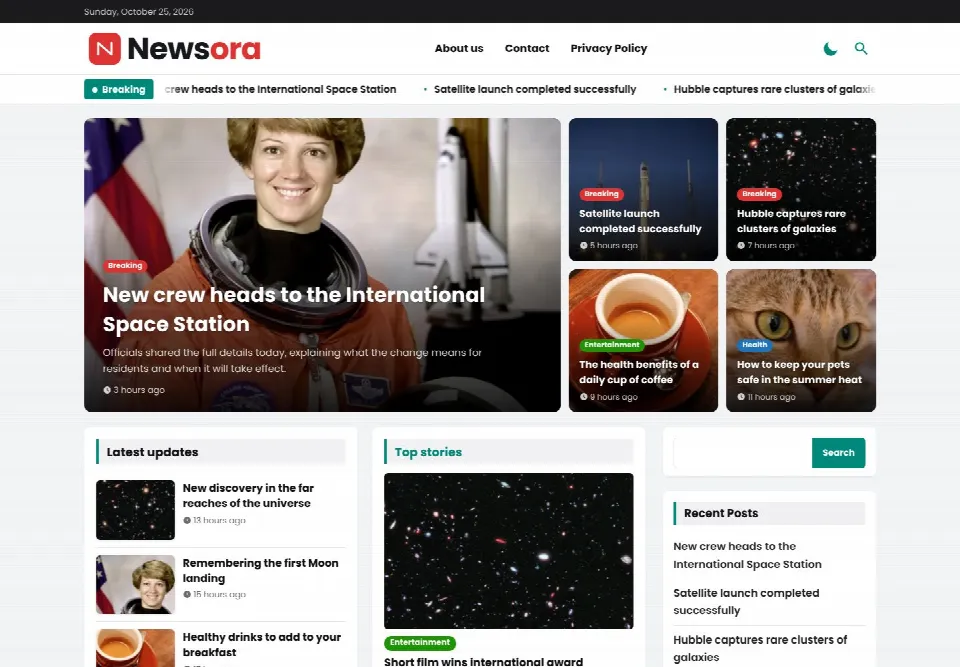
News & Magazine Theme
Newsora
Publish Smarter. Reach Further. A fast, modern WordPress theme for newspapers, news portals and digital publishers.
Contact usSingle site · updates and support
View details
Fast, beautiful themes and plugins for news sites, magazines and businesses. Any language from day one, one-click updates and support from the team that built them.
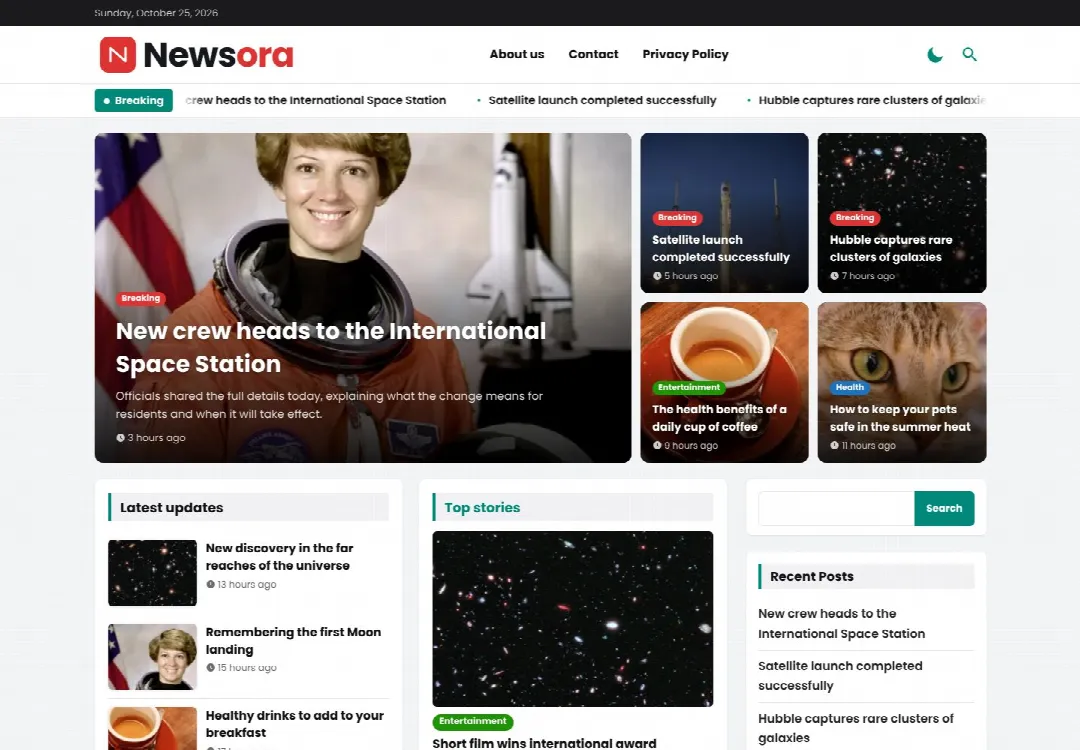
Every product comes with a licence key, automatic updates and support.
Publish Smarter. Reach Further. A fast, modern WordPress theme for newspapers, news portals and digital publishers.
Built on a live Sri Lankan news site, then made ready for anyone.
Ads load after the page, images become WebP, CSS and scripts are kept small. Better Core Web Vitals without extra plugins.
Every word can be translated. Tamil comes included and the theme follows your WordPress language.
New versions appear in Dashboard > Updates like any WordPress theme. Your settings are kept.
AdSense and your own banners in the right places, with an Ads Manager and ad blocker message.
Clean schema, share images and fast pages. Works with Yoast and Rank Math.
One searchable settings page for logo, colours, homepage blocks, ads and SEO, with backups and import.
Choose a product and pay the invoice. You get the theme zip and your licence key by email.
Upload the theme in Appearance > Themes, then paste your key in the theme's Licence tab.
New versions show up in WordPress. Click Update and you're on the latest release.
After payment we email your licence key with the download. In WordPress open the theme's Licence tab, paste the key and click Activate.
Your website keeps working, but the theme settings stay locked and you don't get updates until you activate a valid licence.
A single-site licence works on one live website. Test copies (localhost, .local, .test, staging. or dev. addresses) are free and don't use your site slot. Ask us for a multi-site licence if you need more.
Click "Deactivate on this site" in the old website's Licence tab, then activate the same key on the new website. If the old site is gone, contact us and we'll free the slot.
The theme keeps working on your site. You only stop getting new versions and support until you renew.
Yes. Every text can be translated, a Tamil translation is included, and the theme follows your WordPress site language.
Message us on WhatsApp or call with the product you want. We send an invoice with the payment options, and your key as soon as payment is received.
Another question? Ask us on WhatsApp
Tell us about your website and we'll help you pick the right theme and set it up.